From your first video analysis to live correction with Axel — everything you need to know to get the most out of Tennis AI.
This is Tennis AI's main mode during training. Stand at the intersection of the baseline and the sideline corridor — the player must be filmed from the side so the stroke and the ball are clearly visible.
Forehand and serve (right-handed): film from the player's right side
Backhand (right-handed): film from the left side
For left-handed players, reverse the sides
Film one stroke at a time. If needed, trim the video to keep only the relevant gesture, then tap Analyze.
The app automatically breaks down the stroke into 6 phases and measures 107 biomechanical metrics: shoulder rotation, knee flexion, racket trajectory...
Each metric is colour-coded green (good level) or red (needs correction). Every detected error automatically triggers a personalised drill.
💡 Practical tip: Film multiple students during a session and have each one process their video later. In the Video tab, tap the folder icon to import from the gallery.
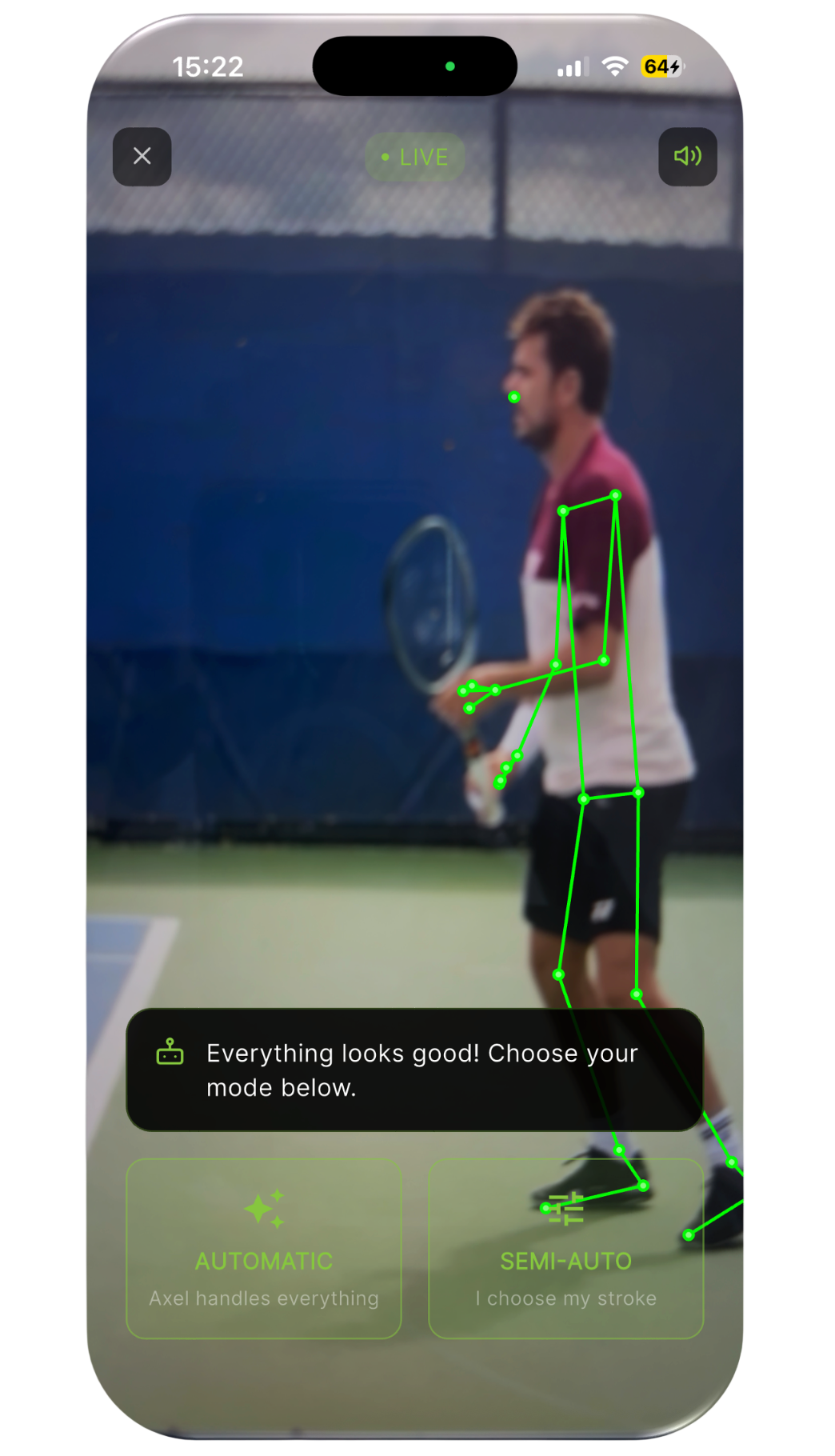
For coaches who need quick feedback during a session, Tennis AI's real-time mode lets you analyse your student's stroke live.
Axel, our AI assistant, instantly identifies errors on the forehand, backhand or serve — and offers to correct them live.
Same positioning applies: place yourself at the intersection of the baseline and sideline corridor, player filmed from the side.
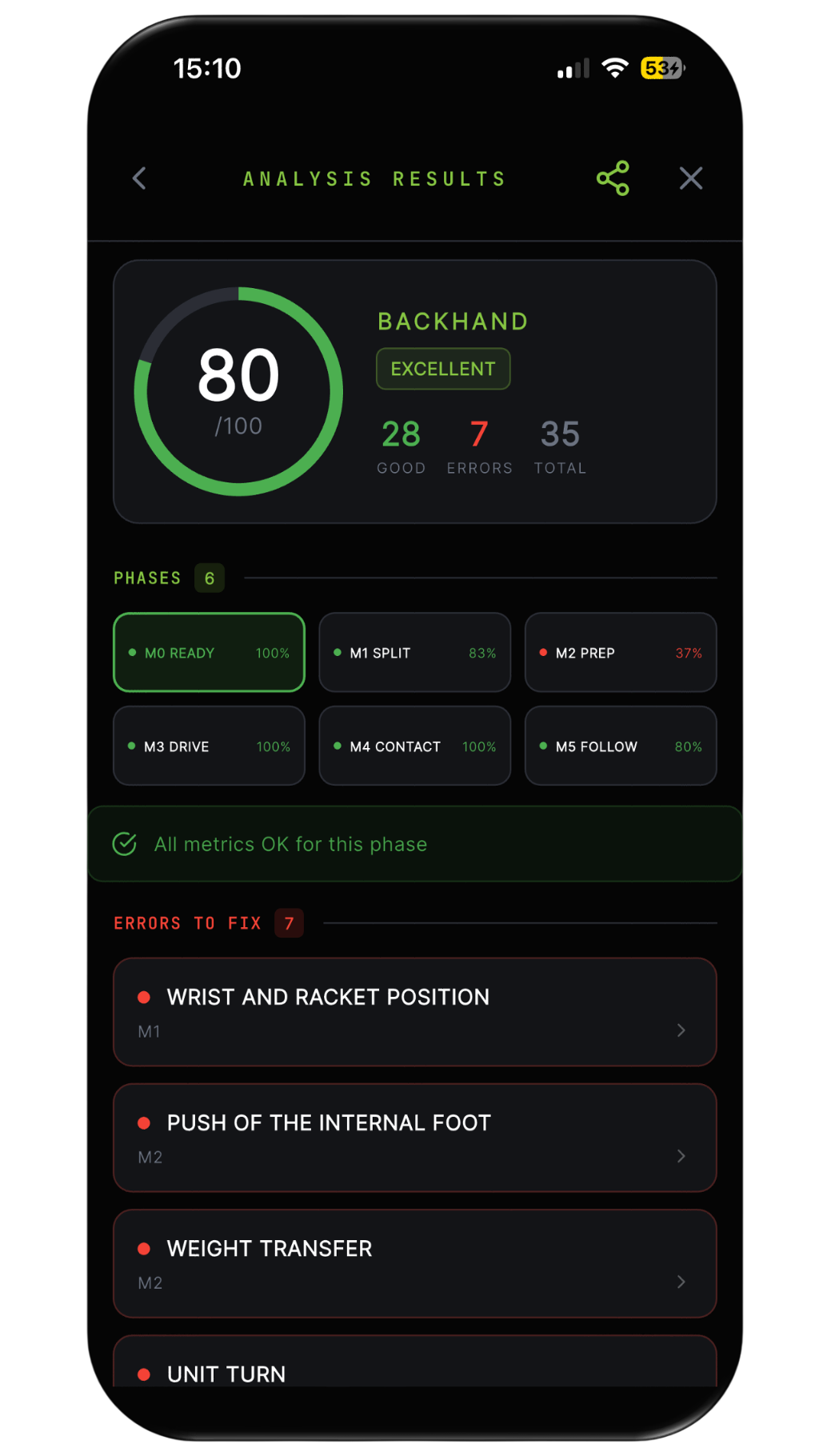
After each analysis, the result is automatically saved. Your report shows:
Overall score out of 100, compared to professional standards
Detail of each metric: green (good) or red (to correct)
Recommended drills for each detected error
History of all previous analyses to track progress
Tap the green button in the top right to share your report directly with your coach.
⚠️ Important: The player's profile must be correctly filled in — height, handedness, and age — for accurate results. Always check before launching an analysis.
All your recorded or imported videos are stored in the Video tab. Access them at any time, re-analyse, or share them.
Tap the folder icon at the top right to import a video from your phone gallery.
Tennis AI is designed for solo players too. Place your phone on a tripod, activate the timer from the home screen, and launch your analysis — no coach needed.
The real-time mode also has this timer option at the top of the screen. Whether you're alone or with your coach, Tennis AI adapts.
Each drill is directly linked to a specific metric. When a metric appears red, the app automatically suggests the most relevant exercise.
Access all drills from the Drills tab or directly from the home screen. Each exercise includes clear written instructions.
Demonstration videos are currently in production and will be available soon.
From the Real-Time Analysis tab, two complementary modes work for both coaches and solo players.
Real-Time Analysis: Axel instantly identifies metrics to correct and signals them red or green, vocally guiding you throughout the session.
Live Correction: Axel imports your previous analysis metrics and guides you one by one. Execute the stroke — Axel tells you if each metric is green (corrected) or red (still needs work). Once corrected, it turns green and Axel confirms.
Place your phone on a tripod, put on headphones, and let Axel coach you — alone on court, at your own pace.
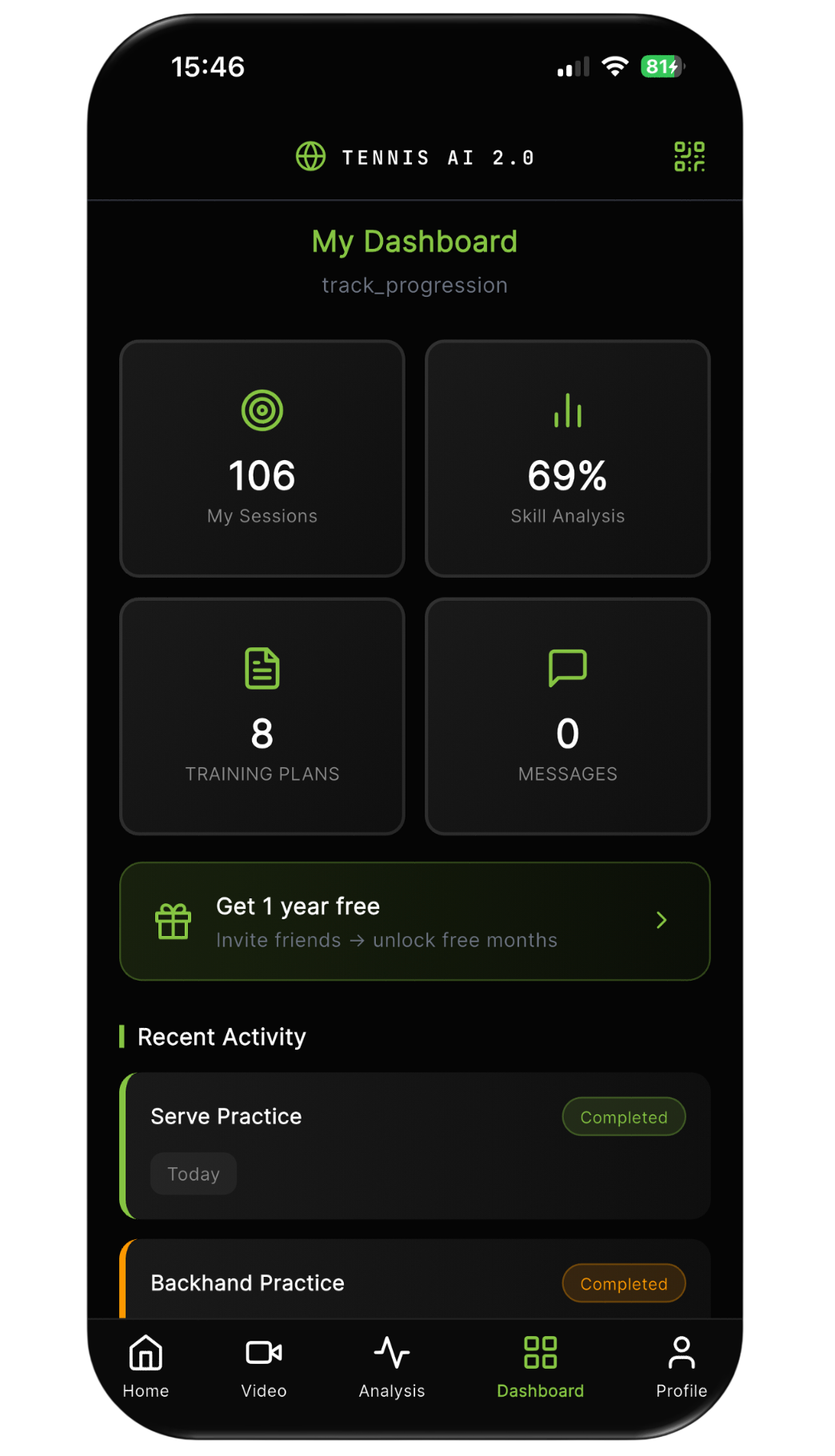
Everything you need, at a glance.
My Students: number of students linked to your account
Analysis: overall progression percentage of your group
Training Plans: plans sent to your students
Recent Activity: latest analyses and scores, updated in real time
Direct access to Coach Axel
My Sessions: total sessions completed
Skills Analysis: overall technical mastery percentage
Training Plans & Messages from coach
Recent Activity: history of analyses with scores and status
QR code icon (top right) to link to your coach
Edit Profile: height, level, goal, handedness
Language: select your language — translates automatically
Ambassador Programme: refer friends and earn rewards
Pro Subscription: manage your plan
Push notifications, AI coaching tips, email alerts
Contact support, Terms & Privacy Policy
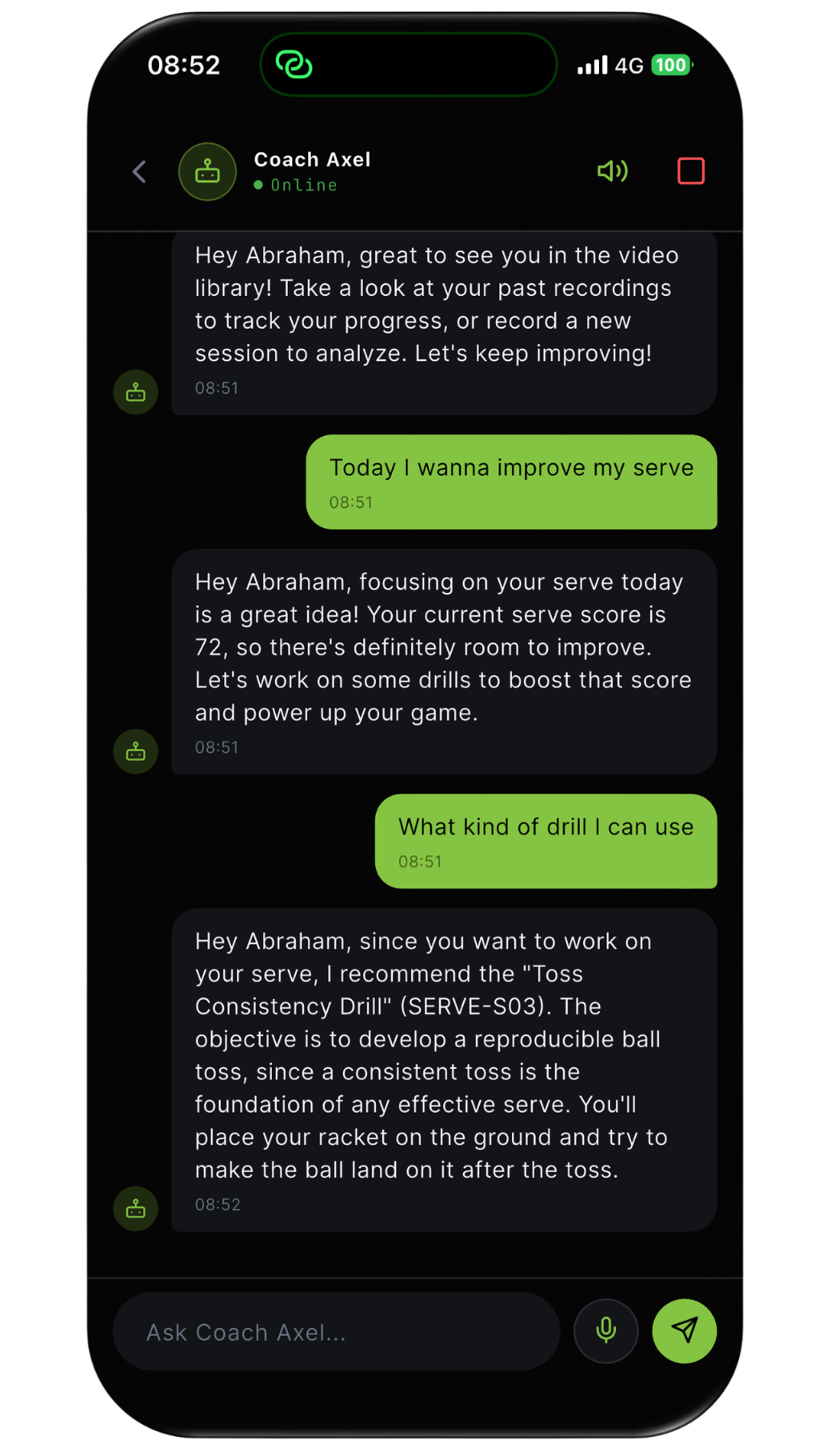
Axel is built into every section of Tennis AI — dashboard, profile, home. He's always available, speaks your language, and adapts to your level.
Explain your analysis results in detail
Answer any tennis question, at any level
Suggest your personalised exercise plan
Guide your weekly training programme
Coach you live during Real-Time and Live Correction sessions
Download Tennis AI and start your first analysis in minutes.